How-to
How to send a wedding invitation on WhatsApp, without upsetting anyone
By the Wishly team · Updated
To send a wedding invitation on WhatsApp, send one link or one image to each guest personally or through a broadcast list, with the date, the city and a line in your own words, and call the elders before the message reaches them. A link to an invitation page keeps the maps, the replies and any changes in one place, while a PDF or a video is a file that goes out of date the day a detail changes.
Here is how to choose the format, get the link preview right, use broadcast lists rather than groups, greet each guest by name, time the messages and follow up.
A link, a PDF or a video?
A PDF or an image card is easy to forward and opens without a connection, but it is a fixed file: if the venue changes, everyone needs a new one, and old copies keep circulating. A video invitation is heavier still, and WhatsApp compresses it.
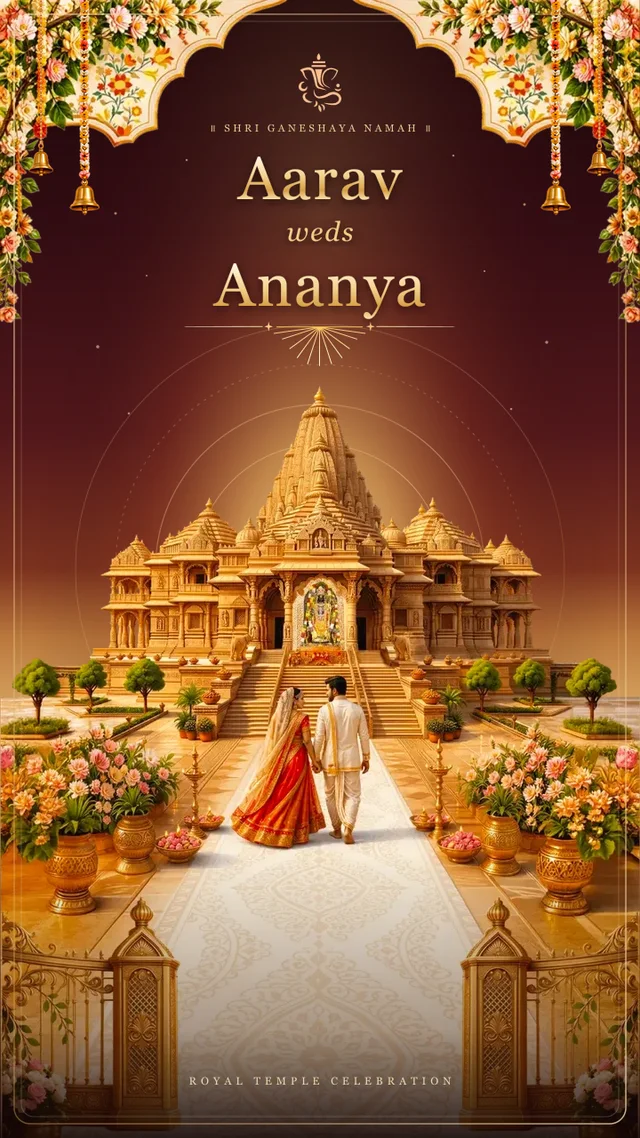
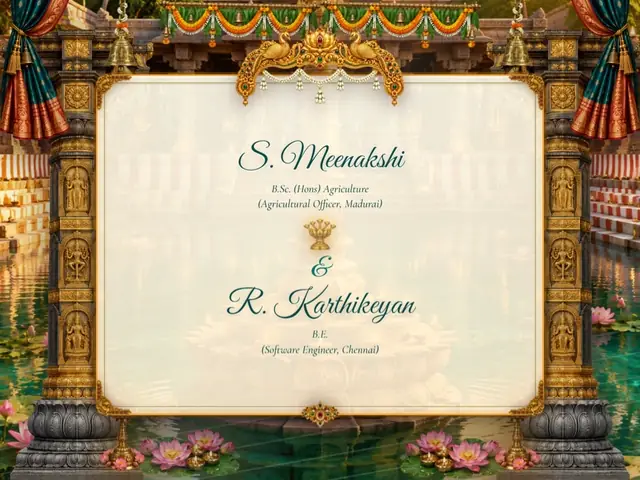
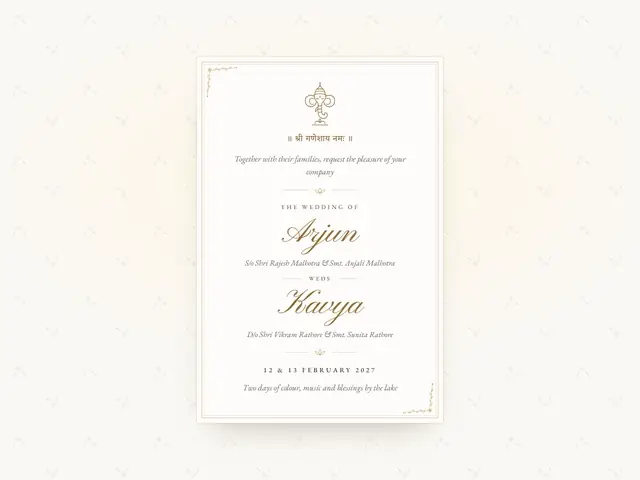
A link opens a page in the phone's browser. It can carry the map, a countdown, the reply and every function, and when a detail changes the same link shows the new one. Some elders prefer a picture they can see without tapping, so sending both, an image for the chat and the link for the details, covers everyone.
Get the link preview right
WhatsApp builds a preview, a picture and a title, from the first link in a message. Paste the link on its own line, wait for the preview to appear before you press send, and send the message to yourself first to see what guests will see.
- Do not run the link through an unknown shortener; guests are wary of links they cannot read.
- Put the names and the date in the text as well, because some phones show no preview.
- Type or paste each message afresh instead of forwarding your own, which adds a Forwarded label.
Broadcast lists, not groups
A WhatsApp group shows every guest's number to every other guest, and every reply pings everyone. A broadcast list sends the same message to each person one to one, and their replies come back only to you.
A broadcast reaches only people who have saved your number in their contacts. For guests who may not have it, send the message individually and say who you are in the first line.
- Make separate lists for each side and each function, so a reception-only guest does not receive the haldi details.
- Lists have a size limit, so split a long guest list across several.
- Keep a family group for the people organising the wedding, not for the invitation itself.
Greet each guest by name
A message that begins with the guest's name reads as an invitation; one that begins with the couple's names reads as an announcement. Invitation pages that can greet each guest by name make one link feel personal, and with the guest list ready in a sheet, each message takes a minute.
Namaste Mausi ji,
Neha and Aditya's wedding is on Sunday, 7 March 2027, in Indore, and we want you there for every function.
Here is the invitation, with the schedule and maps: [link]
Papa will call you this evening too.
What it says: Mausi ji is a respectful way to address your mother's sister.
Hi Sameer, Aditya and I are getting married on 7 March in Indore!
Invitation and RSVP here: [link]
Hope you can make it.
Timing and reminders
Send a save the date as soon as the date and city are fixed, especially to guests who must travel, and the full invitation three to five weeks before the wedding. Send in the morning or early evening rather than late at night, and avoid days your family keeps for mourning or fasting.
Follow up twice: a reminder to reply a week before your reply-by date, and a message the day before each function with the time and the map. Keep reminders short, and leave out guests who have already replied.
A gentle reminder: we are finalising numbers for Neha and Aditya's wedding.
Could you tap reply in the invitation by Sunday? [link]
See you tomorrow! Pheras at 8 pm, [venue], Indore.
Map: [link]
Parking at the back gate.
Elders still need a call
For grandparents, senior relatives and family elders, a message alone can feel offhand. Call first, or visit with a printed card, and then send the link so that they have the details on their phone; ask a younger cousin to help anyone unsure about opening links.
Questions families ask
- Is it rude to invite someone to a wedding on WhatsApp?
- Not for friends, colleagues and the wider family, as long as the message is personal rather than forwarded. For elders and very close family, call or visit as well.
- Should I send the invitation in a group?
- Avoid it. Use broadcast lists or individual messages, so replies stay private and nobody's number is shared.
- What if the details change after sending?
- With a link, update the page and send one short message about the change. With a PDF, send the new file and ask people to delete the old one.